

Getting Started: Creating Music With Tag Controls
Dec 19, 2025
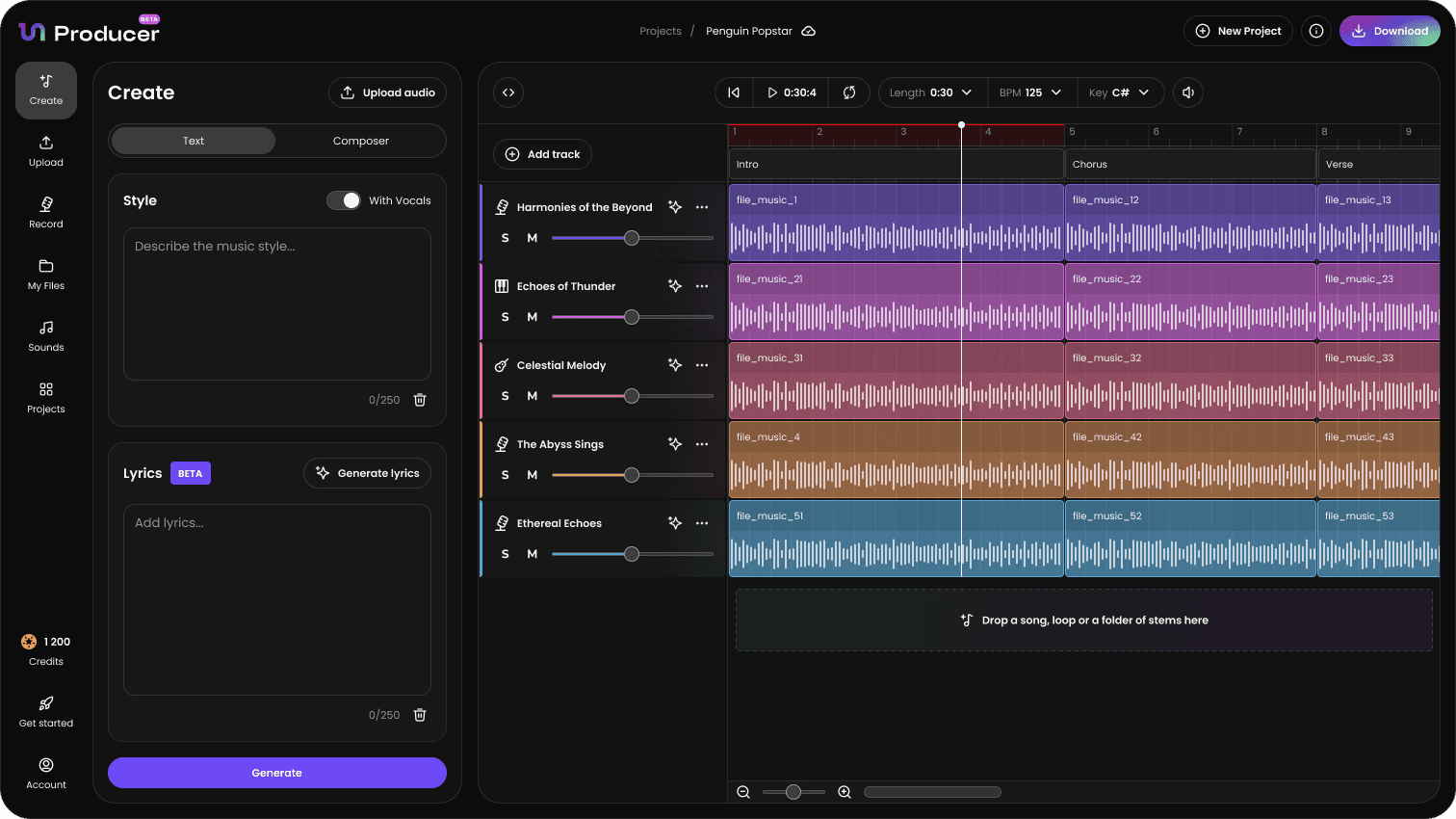
While a simple text prompt is an excellent starting point, the “Create” tab also features a “Composer” mode which uses filtering and tag controls to give you precise guidance over the song characteristics before generating the tracks.
To access these controls, switch from the Text prompt mode to the Composer Mode on the Create tab.
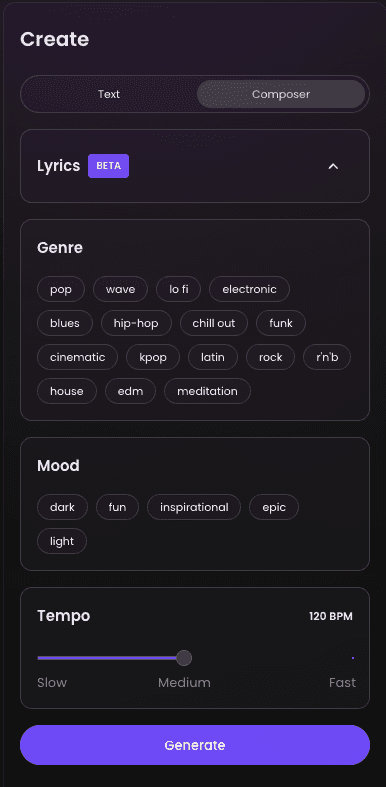
1. Refining the Creative Vision with Filters and Sliders
Use the dedicated filter and slider menus to dial in the aesthetic of your track without relying on lengthy text prompts.
Genre: Select one or more musical genres from the list.
Mood: Select the primary emotional content of the track
Tempo: Set the exact BPM (e.g., 128 BPM for House music, 85 BPM for Trap) to determine the speed of all of your results.
Once you have selected a track you like, click "Move To Grid" to move into the Timeline Editor and begin refining the arrangement and mix.